> For the complete documentation index, see [llms.txt](https://document.unifiedstacks.com/llms.txt). Markdown versions of documentation pages are available by appending `.md` to page URLs; this page is available as [Markdown](https://document.unifiedstacks.com/workflow-elements/layout-elements.md).
# Layout Elements
Layout elements are essentially used to provide description and information to the users about the application. You can add headings, paragraphs, separators and URL links.
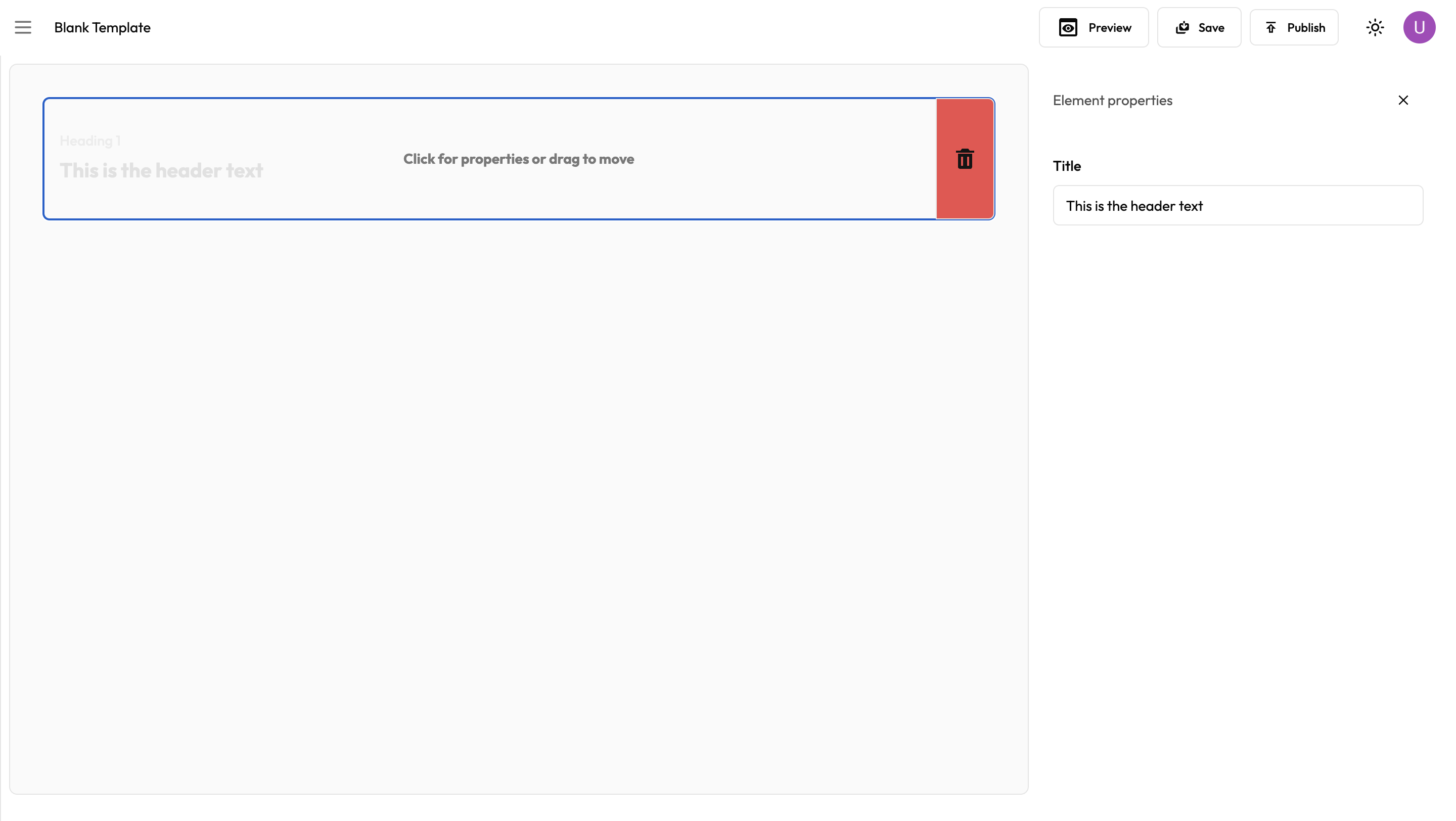
Once you drag the element to the workflow builder, you can easily customize the element by clicking on the element.
To remove an element, just click on the trash icon.